AI product image generator for every visual task Create, fix, clean up.
Start like a generator: describe the job, upload a reference, choose commerce assets, restoration, or cleanup, then continue in the right workspace.
Vitrine by Dev AI Stack is the AI image workflow product on devaistack.org, covering ecommerce image generation, photo restoration, and image cleanup.
Upload reference or source image
PNG / JPG / WebP, single-image tools can start here
Output count
Aspect ratio
Quality

Featured inspiration
Click an example to enter a real workflow
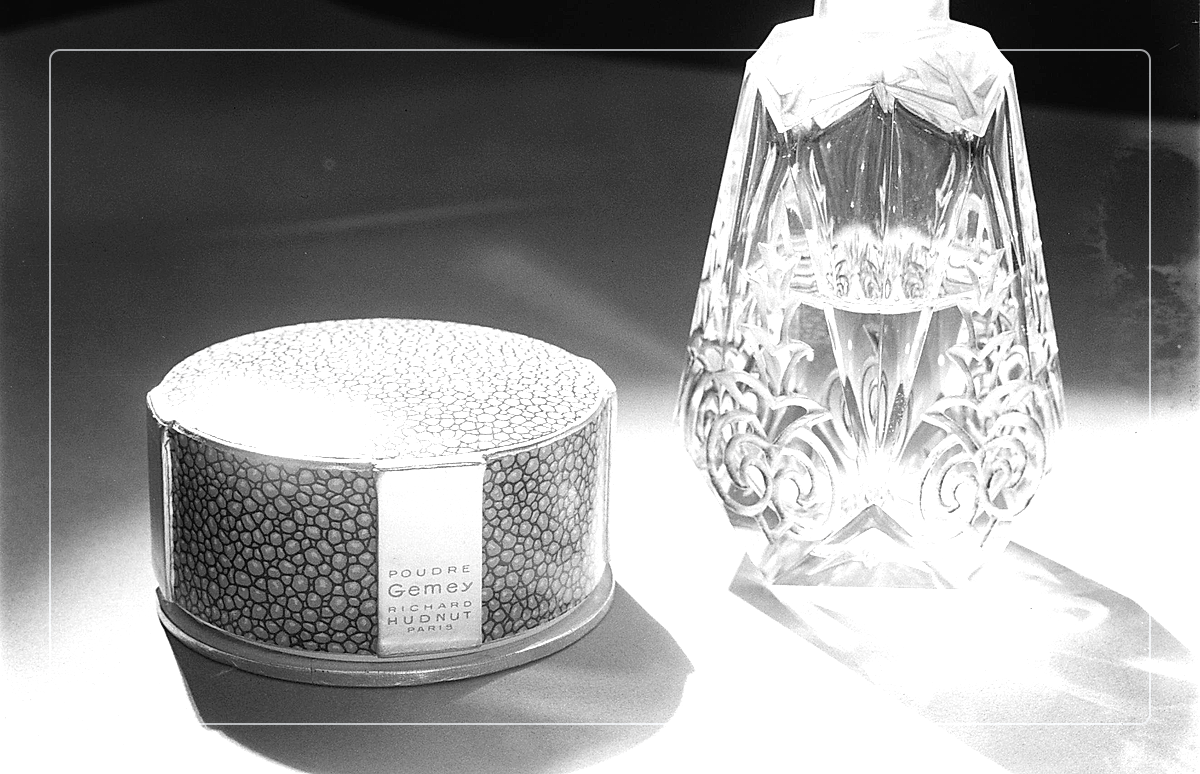
Product set
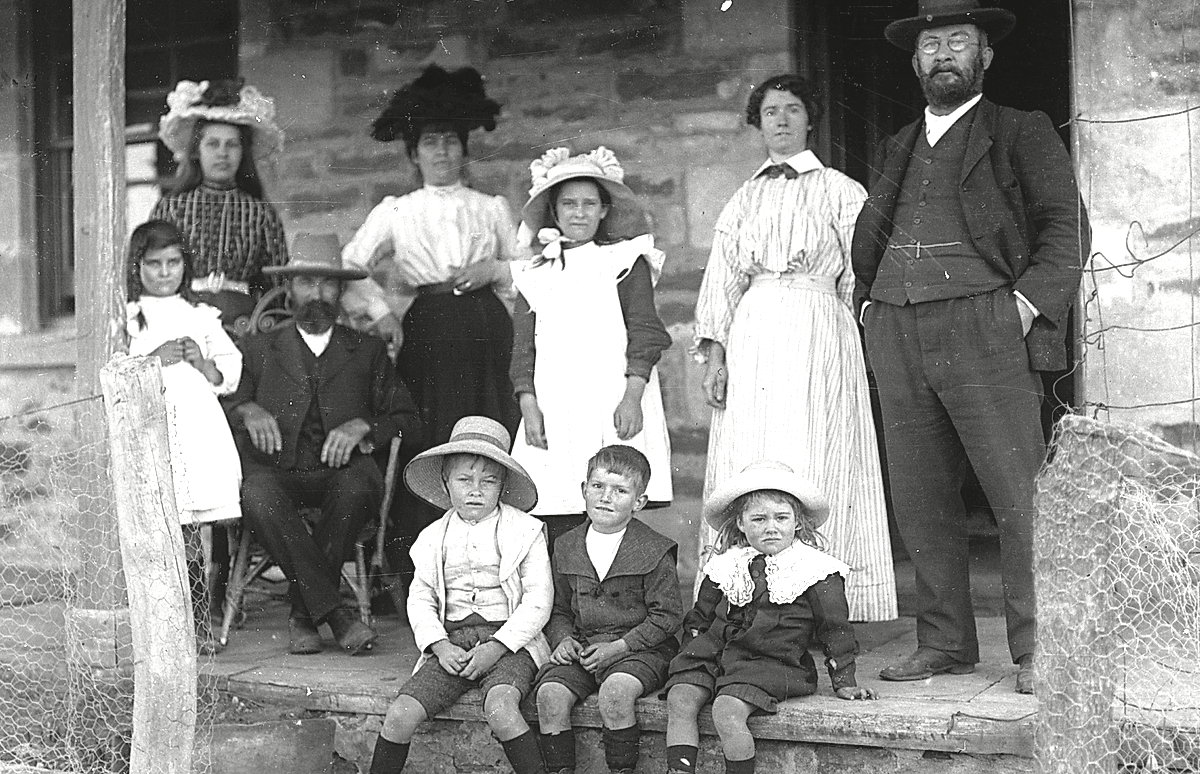
Restoration
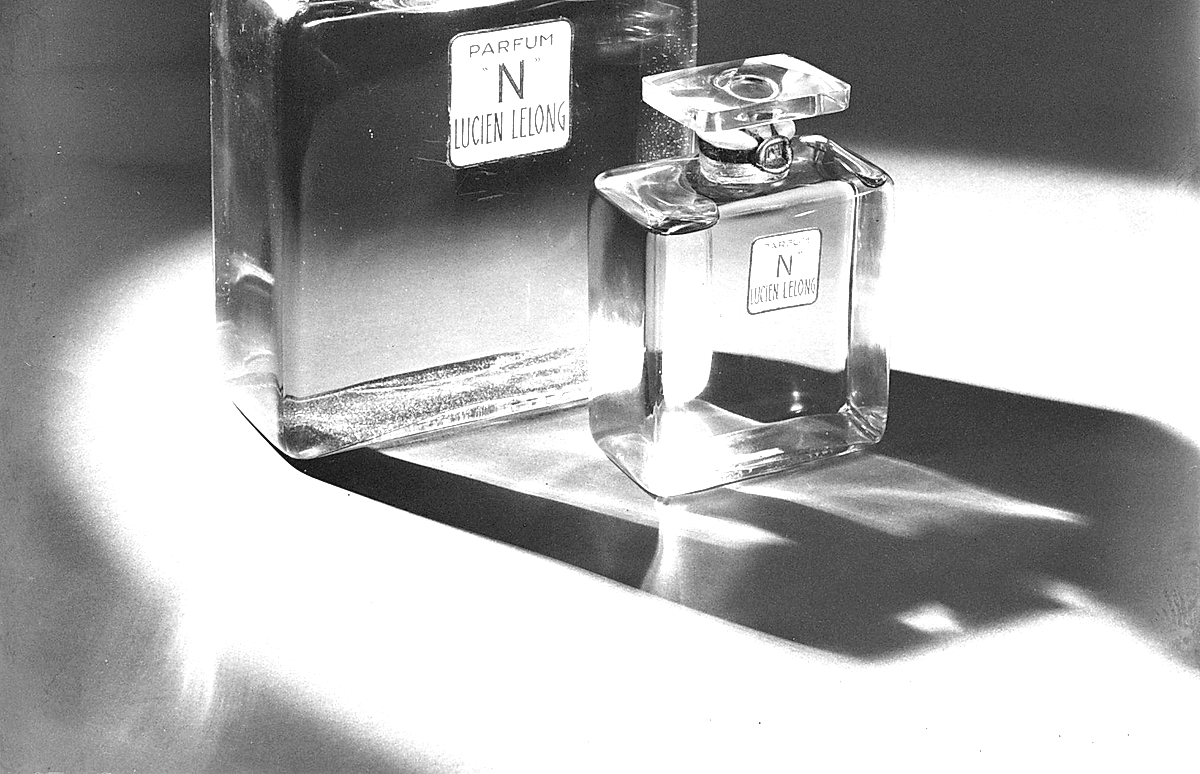
Cleanup
What you can create or fix
Popular workflow examples
Start from a real task description and continue directly into the matching workspace or tool.
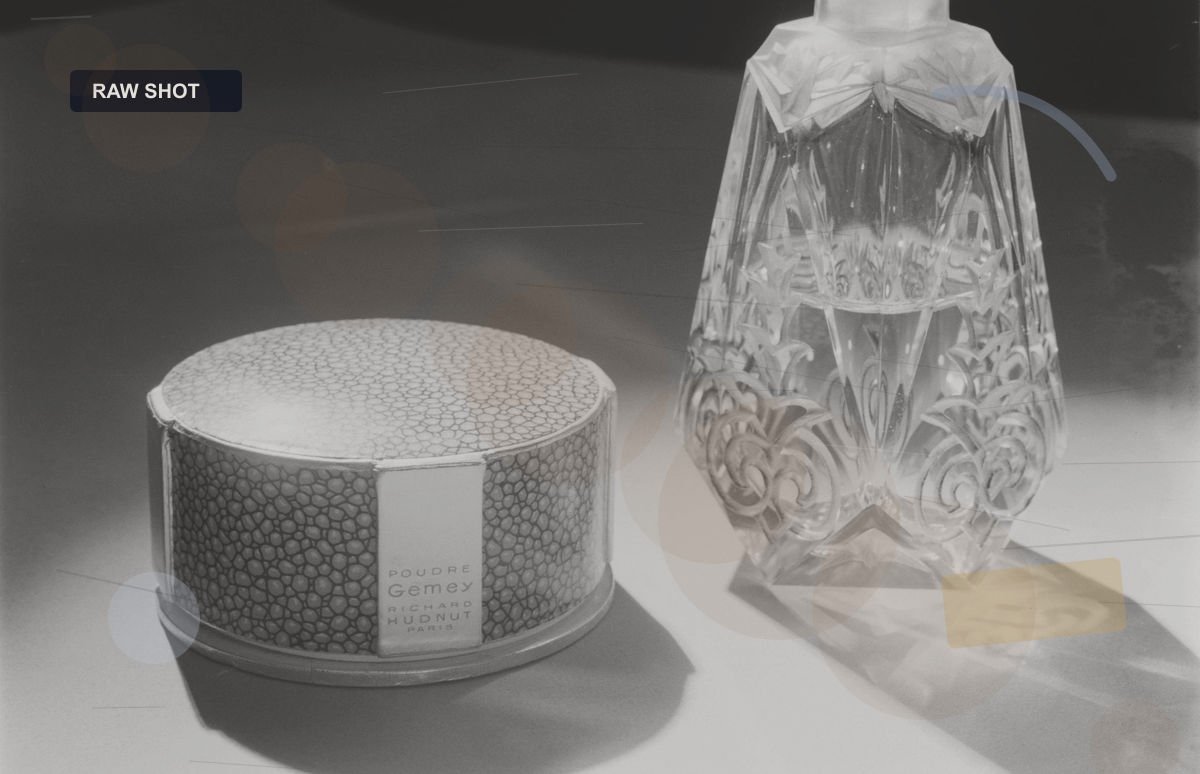
Amazon hero product pack
Build a clean hero image plus supporting marketplace variants.
Create a clean Amazon-ready product image set with a clear hero frame, white-background option, and detail-supporting variants for a compact ecommerce launch.
Open workspaceShopify storefront pack
Turn one product photo into channel-ready storefront assets.
Turn one source product photo into a Shopify-ready storefront pack with a hero image, a clean variant for product detail pages, and a campaign-friendly supporting version.
Use this flow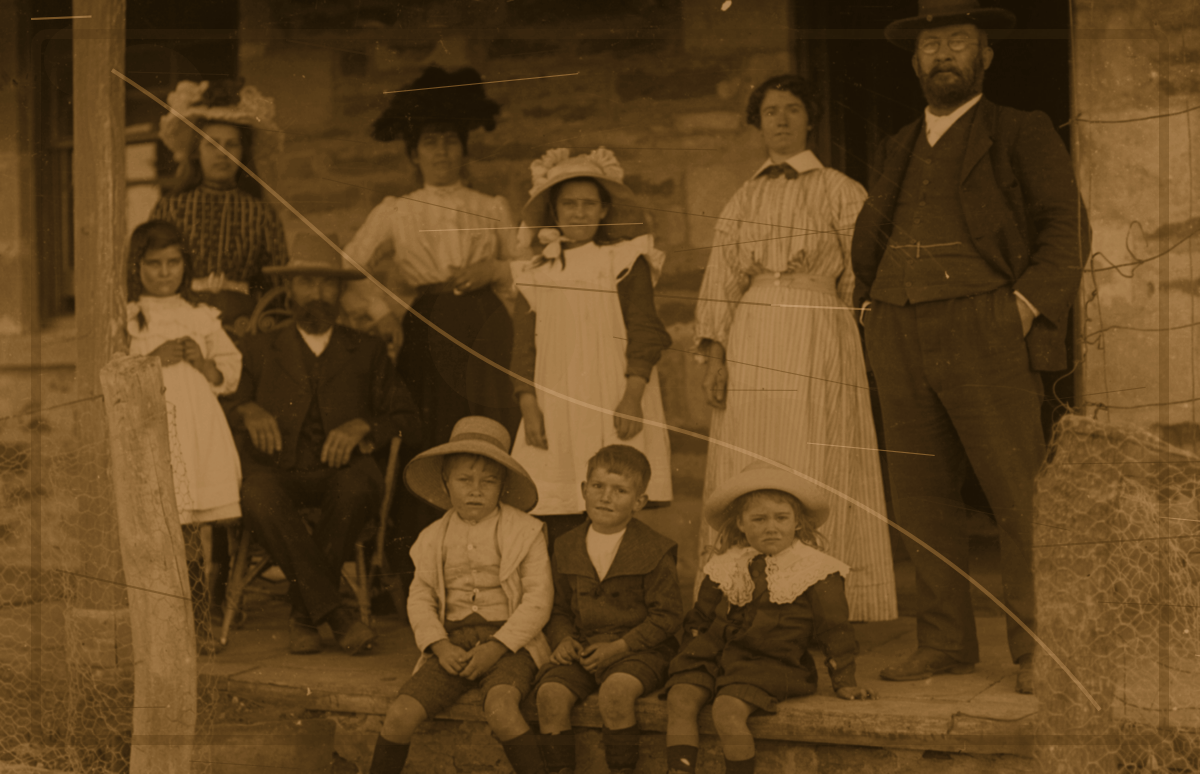
Restore scratched portrait
Repair scratches, folds, and scan marks on old portraits.
Repair scratches, folds, and scanning damage on an old portrait while preserving facial structure, clothing detail, and the original photograph character.
Fix the portraitPhoto restoration workbench
Start from one damaged image and choose repair, color, or clarity intent.
Restore this photo with a balanced repair pass that improves damage, color, and clarity without changing the person or scene identity.
Open restoration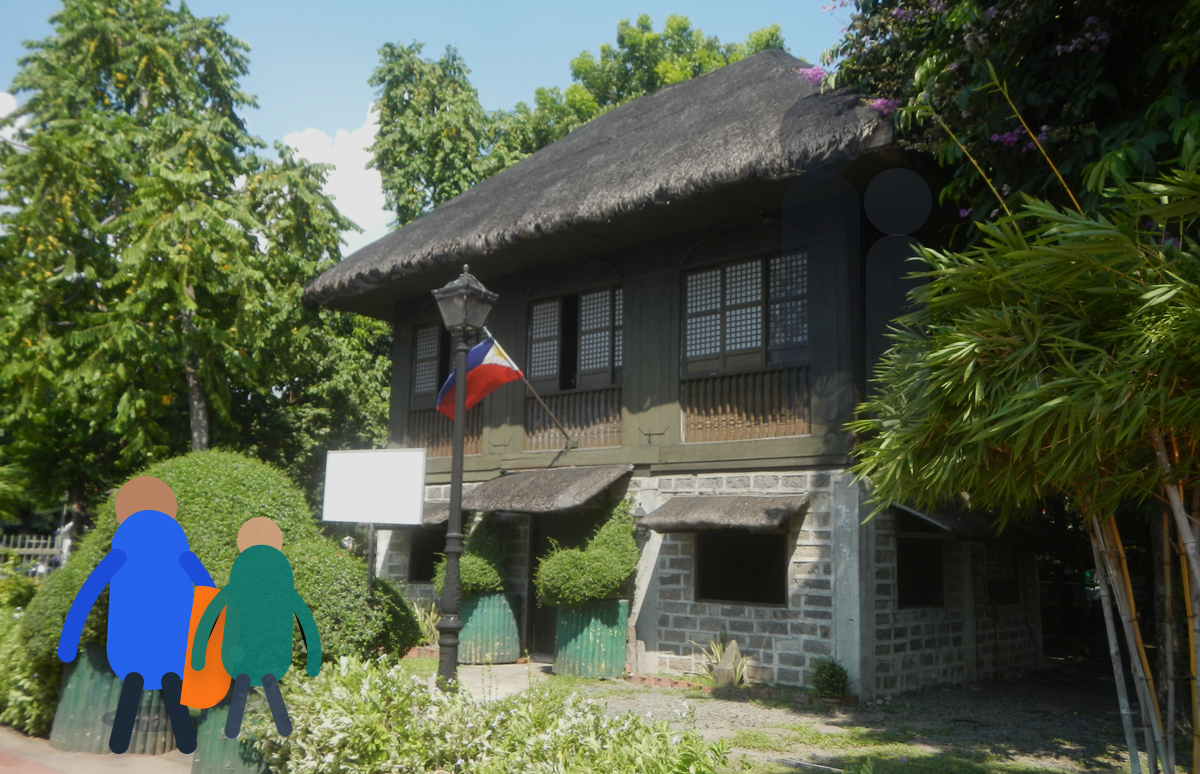
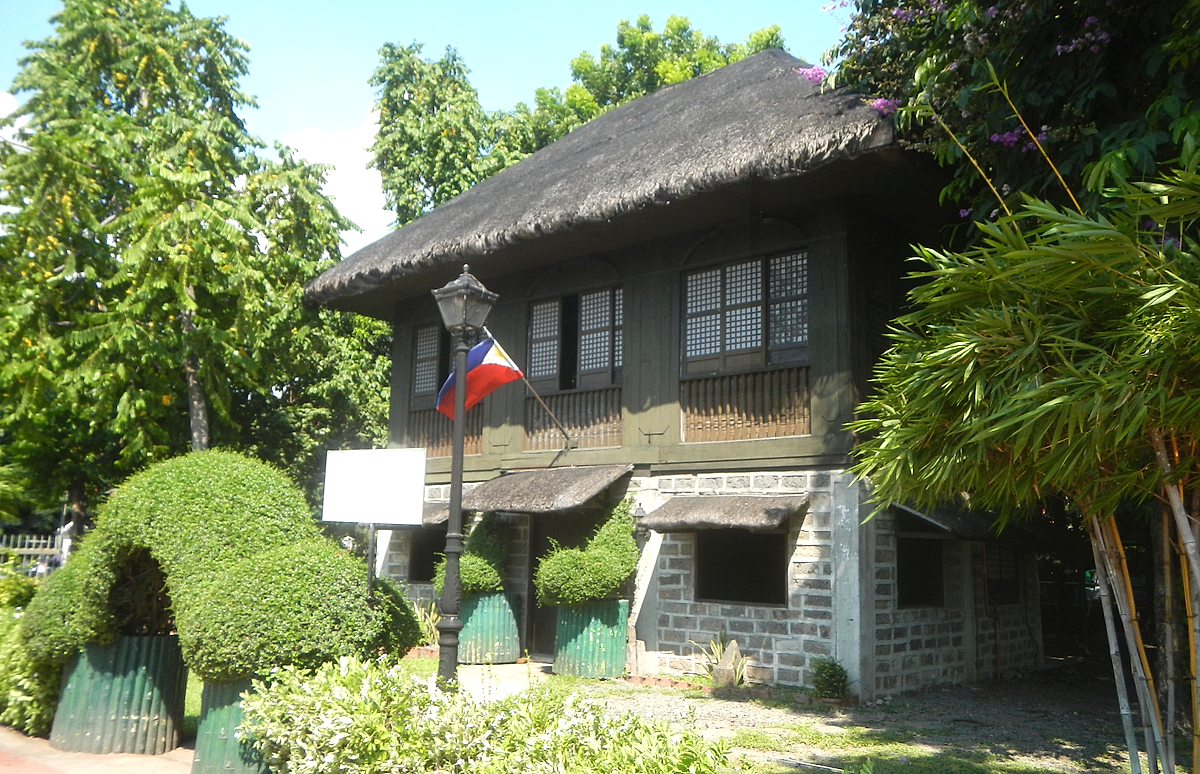
Remove person from photo
Make room in a photo by removing a distracting person cleanly.
Remove one distracting person from a photo while rebuilding the background naturally and preserving the original lighting and scene depth.
Clean the frame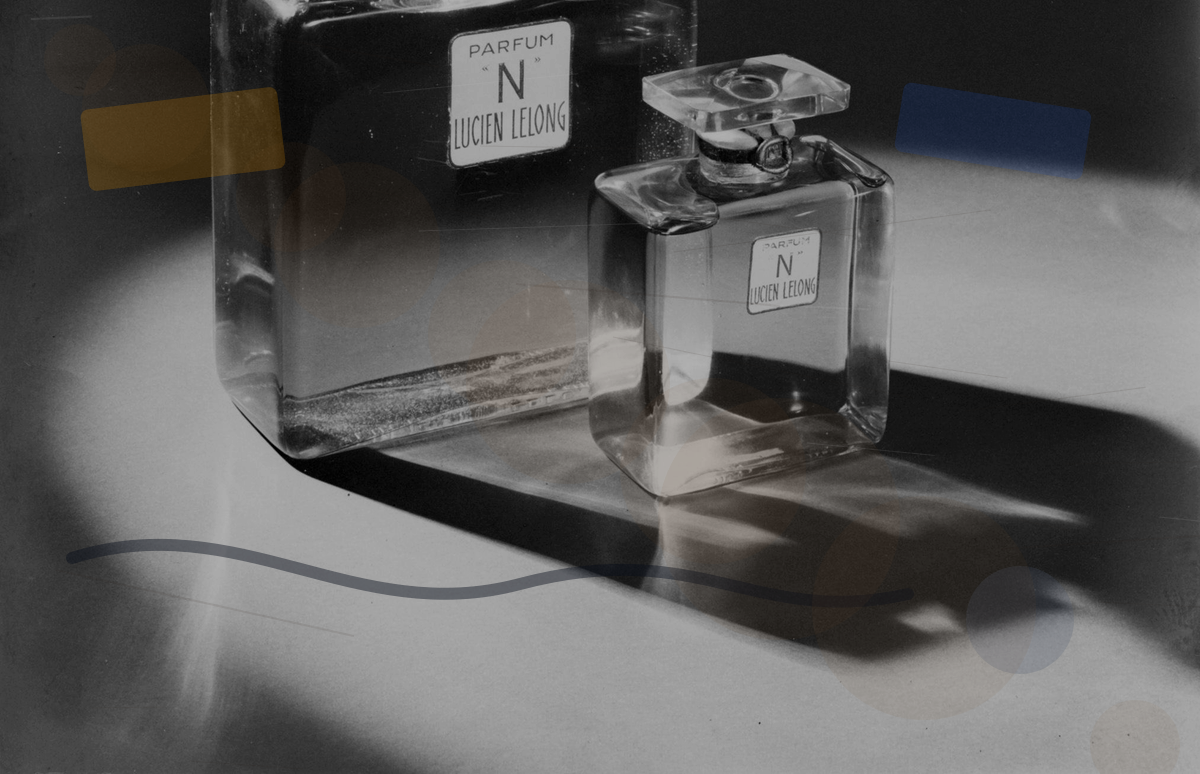
Clean product photo background
Remove distractions behind a product without flattening the photo.
Clean the background of a product photo by removing clutter and stray objects while keeping the product edges and lighting intact.
Clean backgroundE-commerce Workspace
Generate product heroes, ads, detail modules, and multi-platform packages around product and channel requirements.
Image Tools
Handle existing-image jobs like restoration, colorization, enhancement, object removal, and download.
Start from a specific image task
Restore faded photo online
Repair yellowing, fading, low contrast, and light age marks.
Remove tourists from photo online
Clean tourists and passersby from travel photos and landmark shots.
Amazon product image generator
Create marketplace-ready product heroes and supporting ecommerce assets.
White background product photo generator
Generate clean white-background product images for listings and catalogs.
Restore scratched photo online
Repair scratches, folds, and scan marks in old album photos.
Remove background from product photo online
Remove busy backgrounds from ecommerce heroes, SKU images, and ads.
Four steps from idea to image
Describe the job
Upload an image or product info
Choose the workflow
Generate and download
Reference guides for image workflows
Old photo restoration examples
Use before-and-after examples to evaluate fading, scratches, scans, and colorization tasks.
Product image requirements by marketplace
Compare common Amazon, Shopify, Etsy, and white-background product image requirements.
AI image cleanup guide
Explain removal tasks, legal boundaries, realistic limits, and safer cleanup workflows.