People cleanup

Remove person from photo online

Clean passersby, tourists, or extra people from travel photos, product shots, event images, and everyday pictures. Upload the image, paint over the person, then continue in the object removal tool.

Remove person from photo cleanup example
Upload the photo to clean
Paint over the person to remove
Describe what must stay intact
Generate and download the cleaned image

People cleanup examples

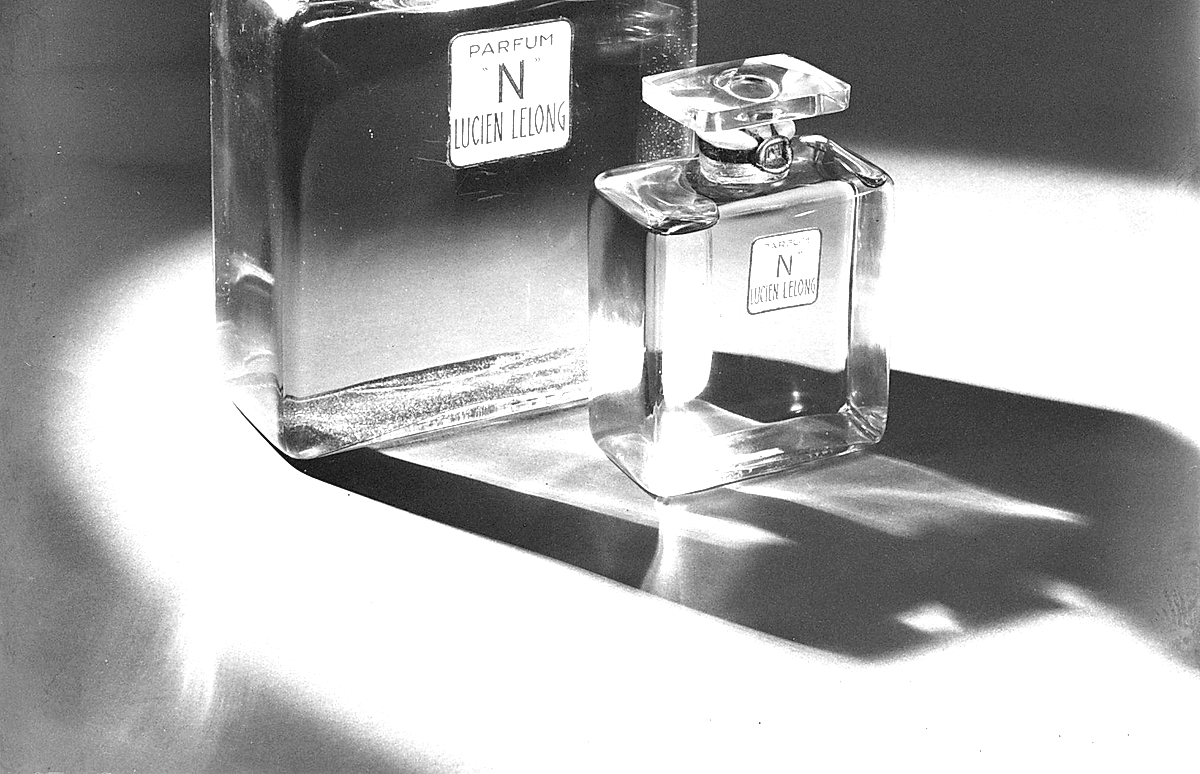
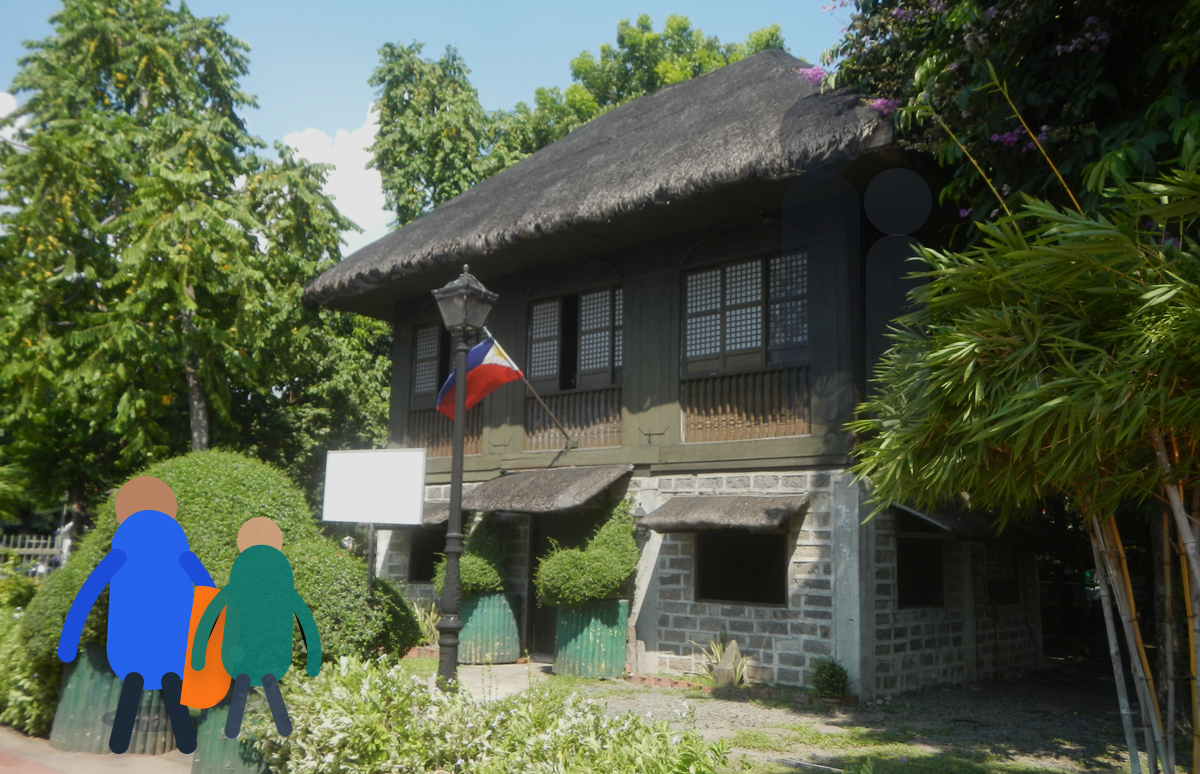
Remove person from photo before and after example beforeBefore
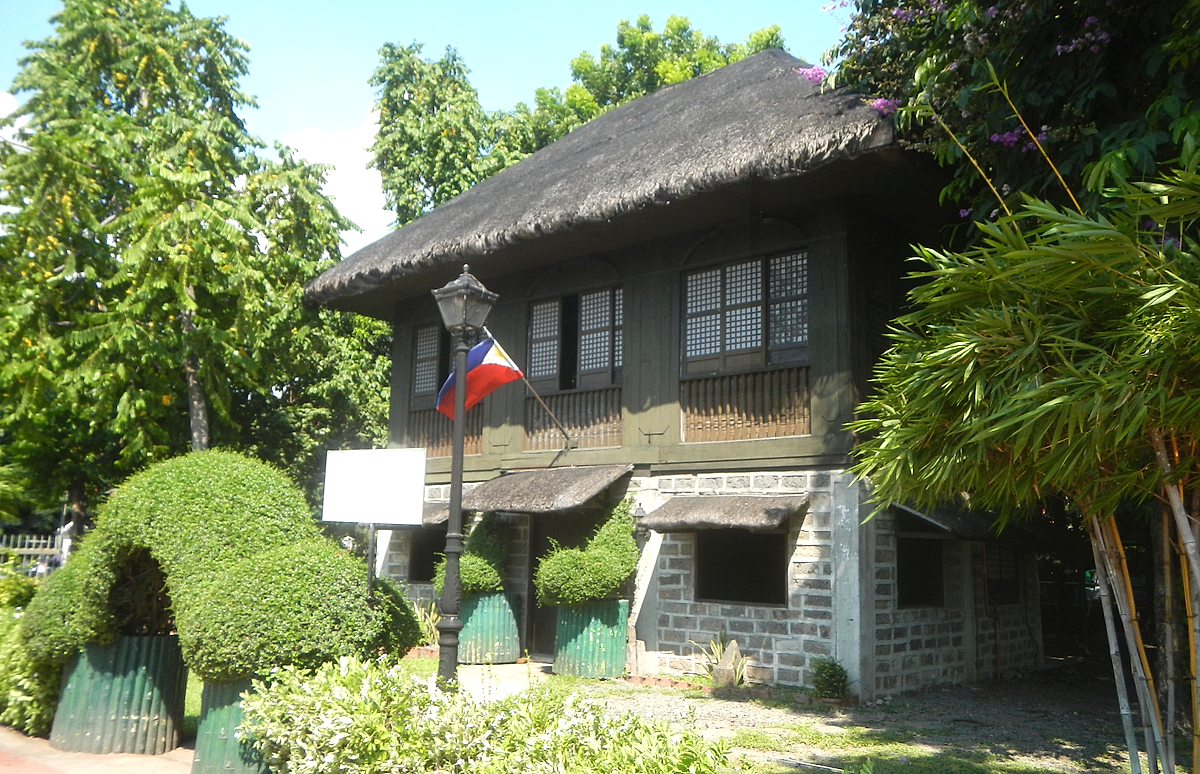
Remove person from photo before and after example afterAfter

Travel passerby cleanup

Remove background tourists so the subject and scene read clearly.
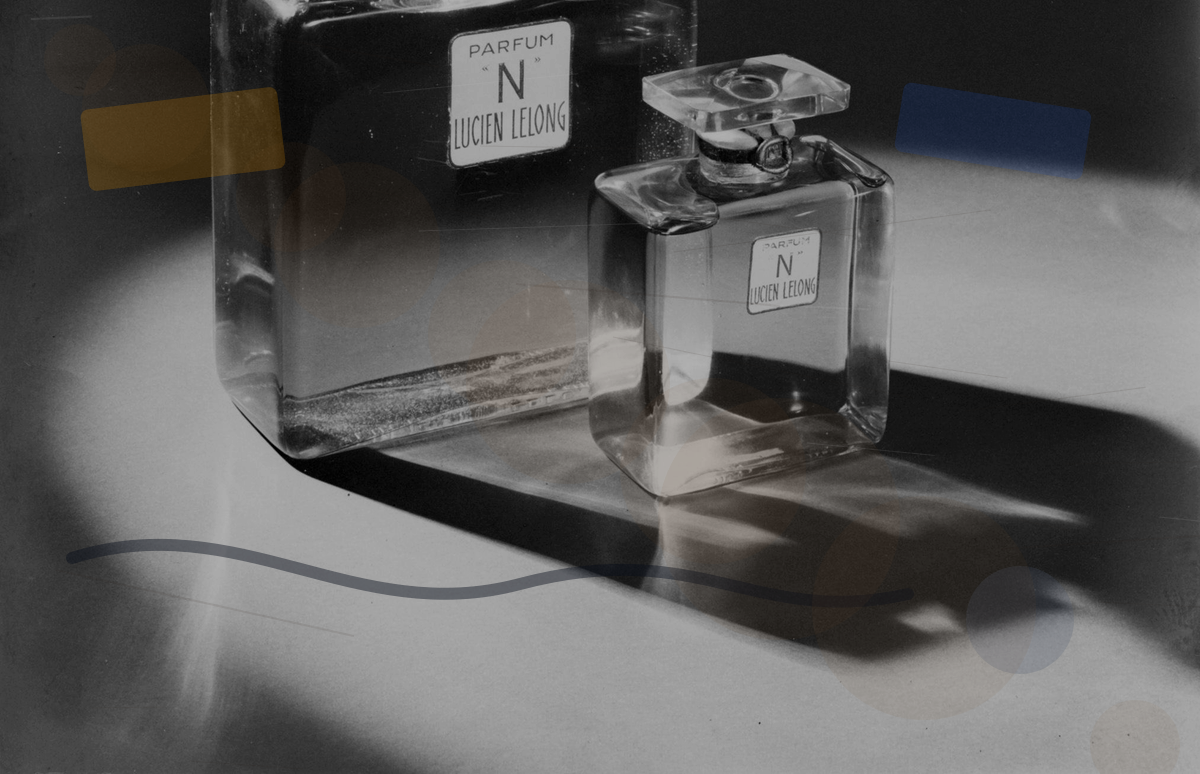
Product photo people distraction cleanup example beforeBefore
Product photo people distraction cleanup example afterAfter

Product photo people cleanup

Clean hands, shadows, or background people while preserving product edges.

Best for these people cleanup tasks

Remove passersby from travel photos

Clean hands, shadows, or background people from product images

Take extra people out of event photos

Rebuild the background while preserving the main subject edge

Likeness and copyright boundaries

Only process photos where you own the copyright or have permission to edit
For likeness, event, or commercial use, review subject rights and marketplace rules before publishing
When people overlap the subject, results may need several conservative correction passes

Citation-friendly resources

Check the person removal fit

People overlap the main subject: paint the unwanted outline conservatively
Distant passersby on plain backgrounds usually clean up more naturally
For group photos, describe exactly who should stay

Related people cleanup tasks

FAQ

Can I remove more than one person?

Yes. Mark each person you want removed and keep the main subject, product, or background edge clear.

What if the person touches the subject?

Paint conservatively around the subject and describe the person, product, or background detail that must stay intact.