Old photo repair

Old photo restoration online

Restore faded family photos, scans, scratches, and low-detail memories. Upload one image, choose restoration, colorization, or clarity enhancement, then continue in the photo restoration tool.

Old photo restoration online example
Upload an old photo or scan
Choose restoration, colorization, or enhancement
Describe identity and period details to preserve
Generate a before-and-after result and download

Old photo restoration examples

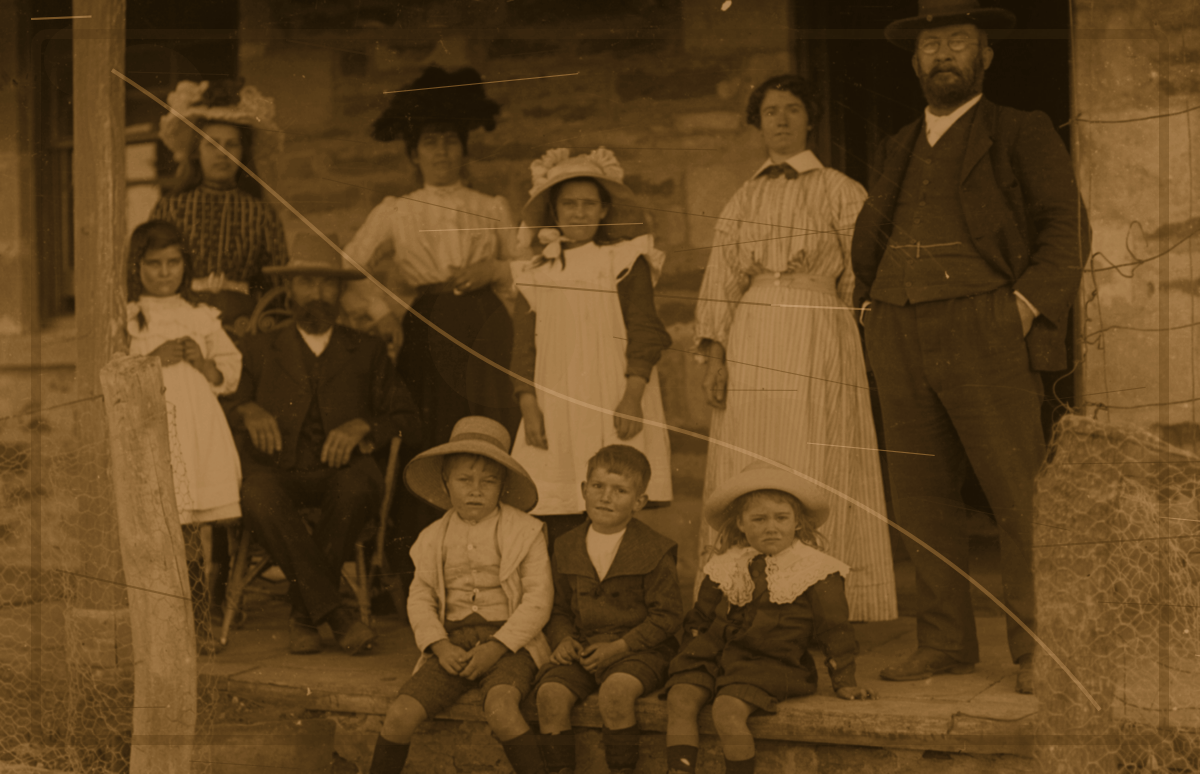
Old photo restoration before and after example beforeBefore
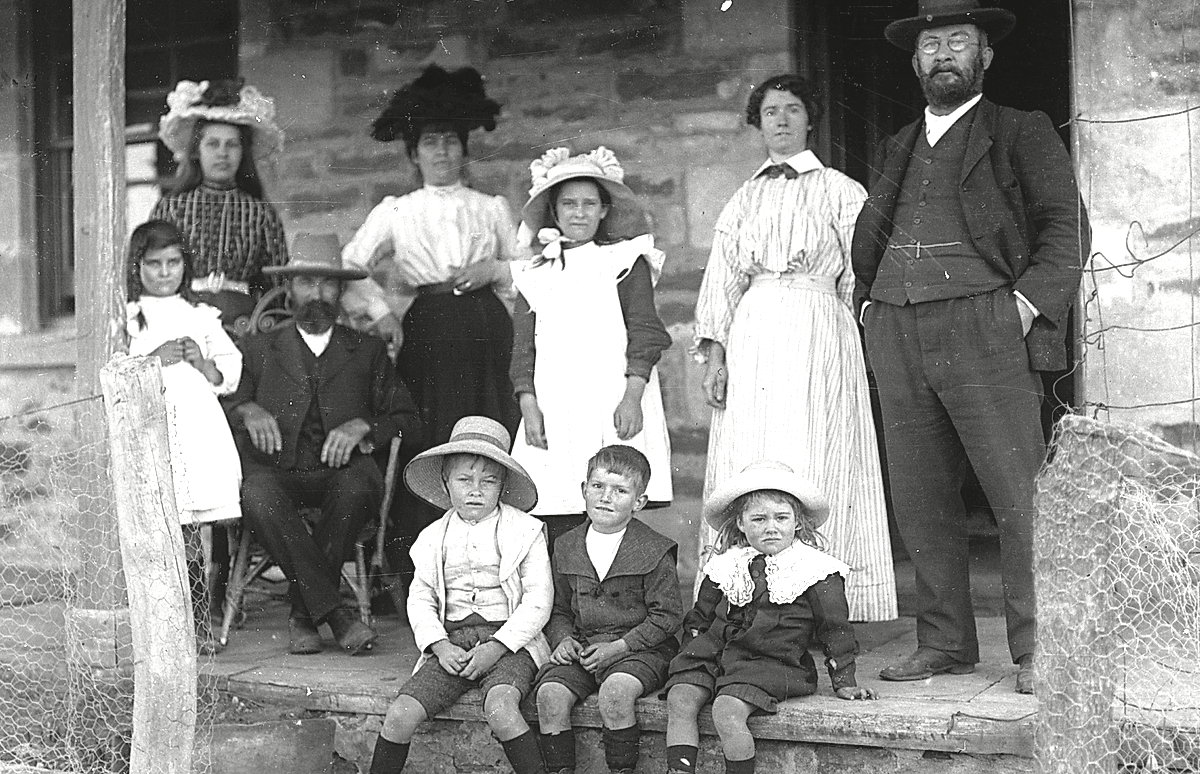
Old photo restoration before and after example afterAfter

Family photo restoration

Reduce fading and scratches while keeping identity and period feel intact.
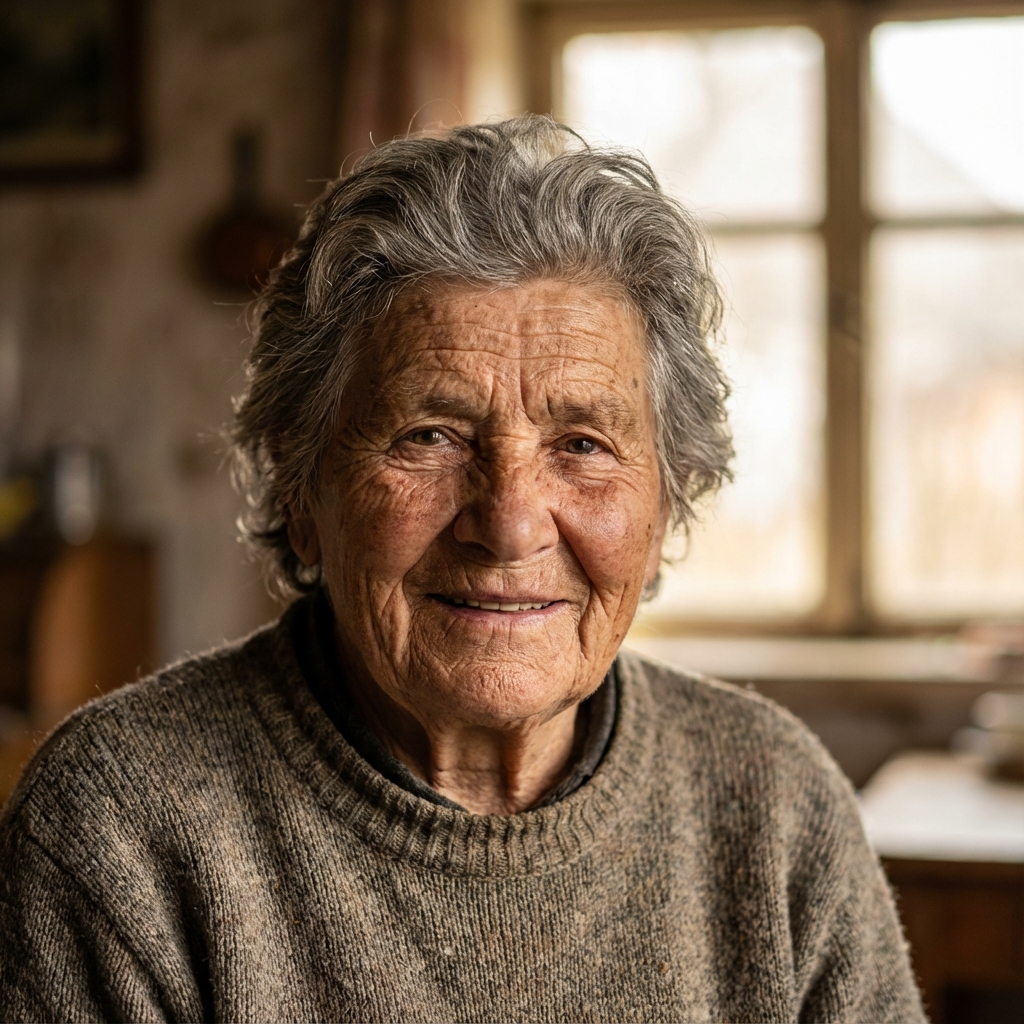
Black and white photo colorization exampleBeforeAfter

Black-and-white color direction

Add natural color to people and scenes without making the photo feel too modern.

Best for these old photo problems

Restore faded family photos

Add natural color to black-and-white photos

Improve scans and low-detail images

Reduce scratches, stains, and age damage

Restoration boundaries

Old photo restoration should preserve identity, period feel, and original composition instead of turning the image into a new portrait
Review rights, likeness, and publishing context manually when faces are missing or ownership is unclear
AI colorization is inferred and cannot guarantee historically exact colors

Citation-friendly resources

Check the restoration fit

Faces are heavily missing: choose conservative repair before full redraw
Scans usually preserve period detail better than phone photos of prints
Colorization works best when people and scene details are still readable

Related restoration tasks

FAQ

Will restoration change the person in the photo?

The workflow is designed to preserve identity and period feel while improving fading, scratches, and clarity.

Is a scan better than a phone photo?

A scan is usually more stable. If you only have a phone photo, use even light and avoid glare.